
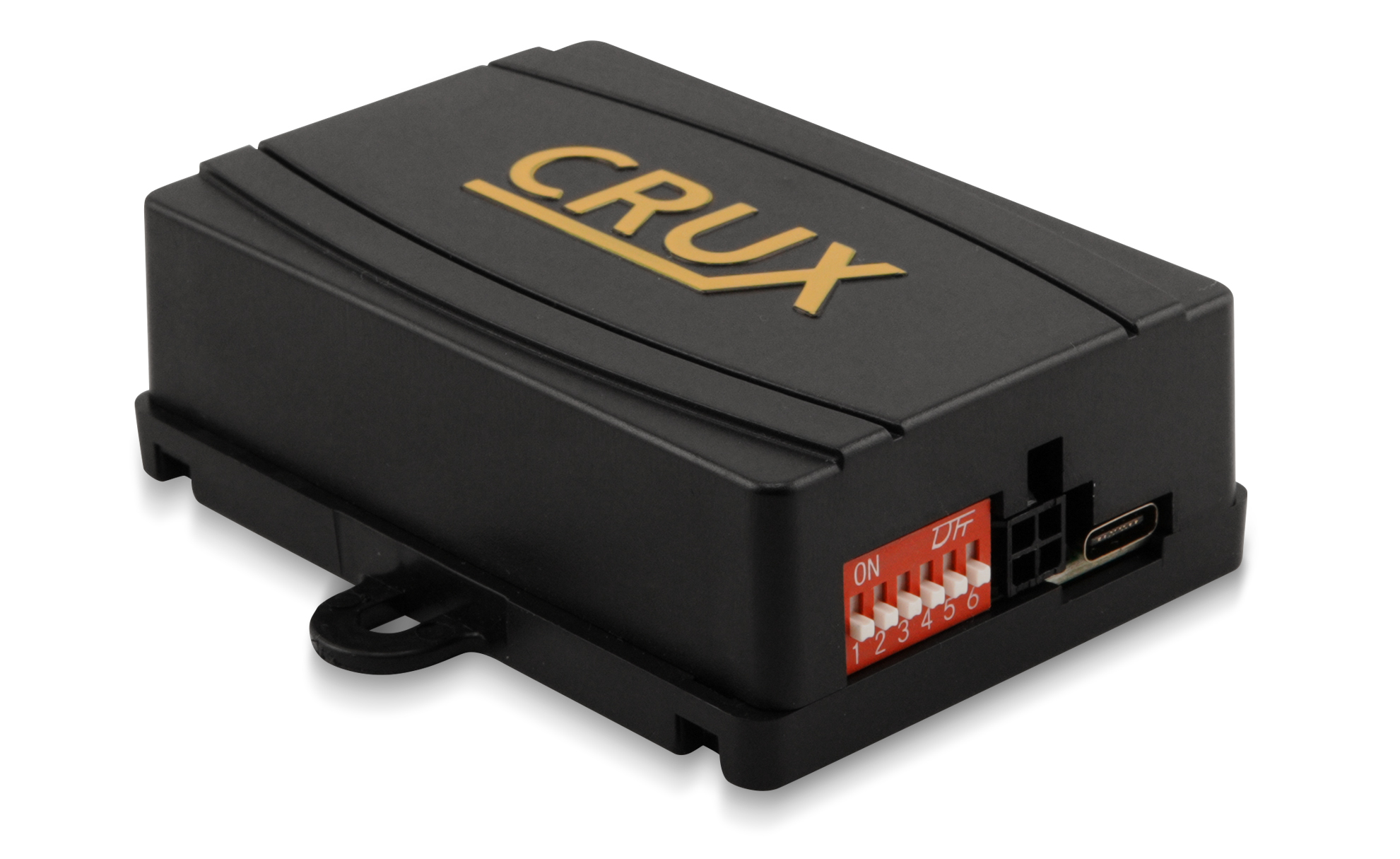
Installation Instructions for Radio Replacements
- Download the latest firmware.
- Open CRUX-Flasher.
- Connect the interface to your PC. Once loaded, click “List Devices”
- The interface PRODUCT ID will appear in the display window.
- Click “Browse” and select the firmware BIN file.
- Click “Flash” and wait for the “Update Successful” message.
- Click “Exit” and disconnect the interface module.
Installation Instructions for Crux Flasher
- Download CRUX-Flasher.
- Click “Keep Anyway”.
- Double-click “setup.exe”.
- Click “Run Anyway”.
- Click “Install”.
- CRUX-Flasher will open.
*Only Compatible with Windows.