
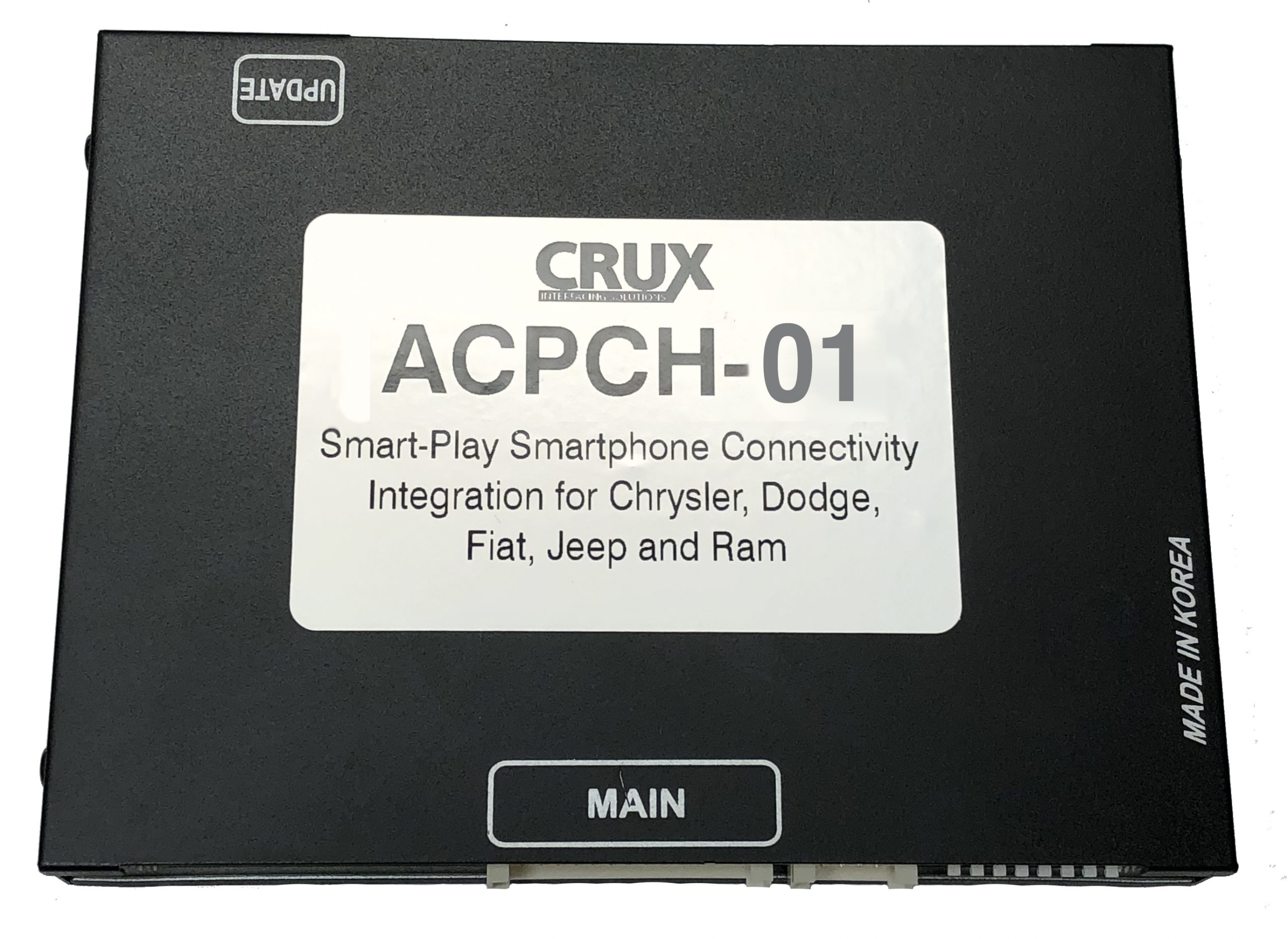
[stm_icon_button align=”right” link=”url:http%3A%2F%2Fcruxinterfacing.com%2Fwp-content%2Fuploads%2F2022%2F06%2FNV1_ST_08010000_FCA09_PLUS_2021_07_27.bin|title:DOWNLOAD%20FIRMWARE%20ACPCH-01%20Plus%202021″ box_bg_color=”#ffffff” box_text_color=”#0a0a0a” css=”.vc_custom_1654290426852{margin-top: -40px !important;margin-bottom: 10px !important;}”]
[stm_icon_button align=”right” link=”url:http%3A%2F%2Fcruxinterfacing.com%2Fwp-content%2Fuploads%2F2022%2F06%2FNV1_ST_08010000_Chrysler12_can_board.bin|title:DOWNLOAD%20FIRMWARE%20ACPCH-01%20Chrysler%20Can%20board” box_bg_color=”#ffffff” box_text_color=”#0a0a0a” css=”.vc_custom_1654290477700{margin-top: -40px !important;margin-bottom: 10px !important;}”]
[stm_icon_button align=”right” link=”url:http%3A%2F%2Fcruxinterfacing.com%2Fwp-content%2Fuploads%2F2022%2F05%2FDriver.zip|title:CRUX-Flasher” css=”.vc_custom_1654025538500{margin-top: 30px !important;}”]
ACPCH-01
Installation Instructions
- Download the latest firmware.
- Open CRUX-Onetake Flasher.
- Insert the Software bin file. If the file is loaded correctly the file list will appear.
- Connect interface to PC via mini usb, once loaded select “Insert”
- The file will automatically update
- Download counting number will increase by 1 number if your update procedure is properly finished
CRUX-Flasher Installation Instructions.
- Download CRUX-Onetake Flasher.
- Depending on your windows driver select & install either “Windows 32bit” or “windows 64bit”
- Run Crux “Navitech update tool.exe”
- Click “Auto update”.
- CRUX update tool will open.
*Only Compatible with Windows.